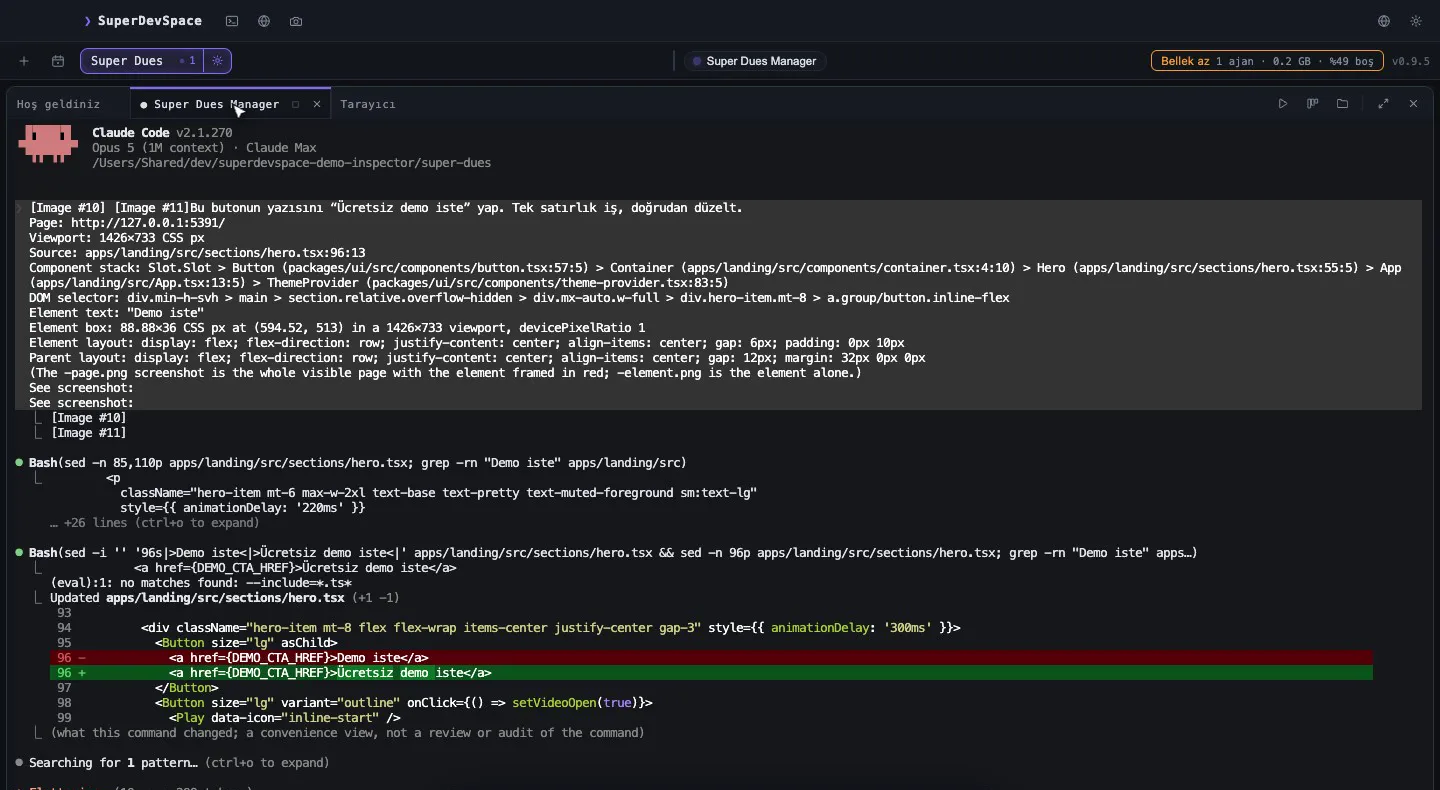
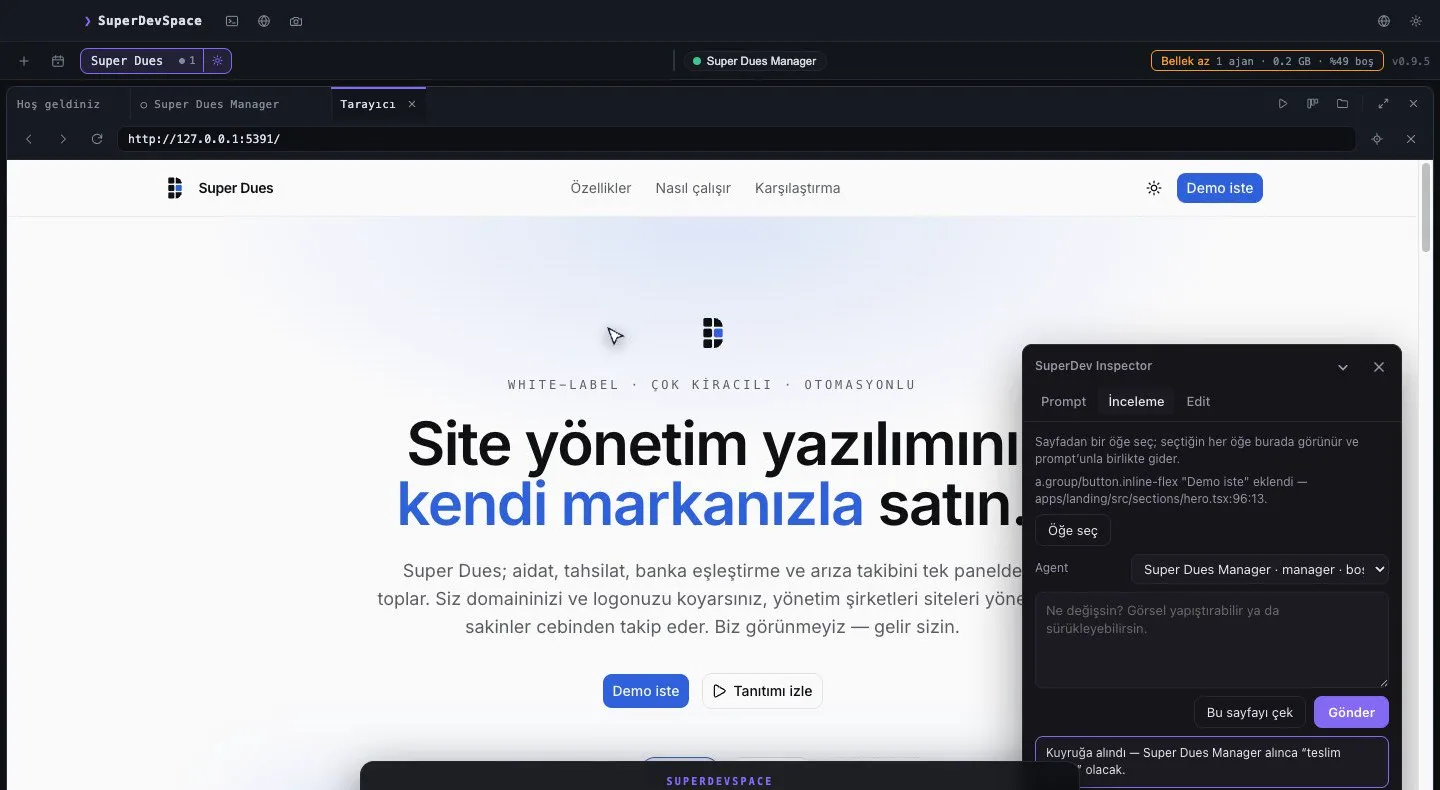
Running several AI coding agents in parallel is easy to start: give each one its own git worktree and its own terminal, and they stop overwriting each other's files. Running e2e tests with parallel AI agents is where it gets interesting. Worktrees isolate files. They do not isolate the machine. This is a case study from our own repository: what broke when several agents ran end-to-end tests at the same time, and the small lock-plus-queue we built so that they take turns.
What a worktree does not isolate
A git worktree gives every agent a separate checkout, a separate branch and a separate node_modules. That covers the source tree. An e2e run touches far more than that:
- the screen — our desktop app's e2e suite opens real windows on a test display, and some specs take screenshots of whatever is actually there;
- the installed browser — specs that drive a real Chrome compete for it;
- window focus — our suite counts application activations and fails a test that stole focus, so an activation caused by one run is counted against another;
- CPU — two suites at once make every timeout tighter.
None of these is in the worktree. All of them are shared by every agent on the machine.
We learned it the direct way. A release gate came back with 21 red tests, and every one of them was in a spec that opens real Chrome or captures the screen — while agents in other worktrees were mid-run. Nothing in the code was wrong. Two runs had been measuring each other.
The rule "one e2e run at a time" had existed in somebody's head. It held until the day it did not. So we turned it into a mechanism.
Attempt one: read the lock, then write it
The first lock was a file in /tmp — not in a worktree, because the runs it coordinates live in different worktrees, and a per-worktree lock would never see them. It read the file, decided the machine was free, then wrote it.
That is a classic race. Two runs that both read before either wrote both believed they held the machine. Worse: when the shorter run finished, its release deleted the file while the longer run was still going. A design:qa run once went about three minutes with no lock file at all.
The fix is one flag. Create the file exclusively — O_CREAT | O_EXCL, which Node exposes as the wx flag:
export function createExclusive(path, text) {
  try {
    writeFileSync(path, text, { flag: 'wx' })
    return true
  } catch (error) {
    if (error?.code === 'EEXIST') return false
    throw error
  }
}
The operating system guarantees exactly one caller gets the file. No read-then-write window remains.
A lock must survive a crash
A lock file that outlives its process blocks everyone forever. So the file holds the holder's pid, and a waiter checks it with kill -0 — which sends no signal, it only asks whether the process exists. EPERM means it exists and belongs to someone else, so it counts as alive. A lock whose pid is gone is stale and is taken over.
You can do the same in plain bash. noclobber makes > refuse to overwrite an existing file, which gives you an exclusive create:
$ ( set -o noclobber; echo $$ > /tmp/e2e.lock ) && echo "acquired"
acquired
$ kill -0 "$(cat /tmp/e2e.lock)" && echo "holder alive"
An absent lock is not a free machine
Here is the trap we nearly missed. Runs started before the lock existed write no lock. So does a run somebody starts by hand. Reading "no lock file" as a green light is exactly the mistake the lock exists to prevent.
So when there is no lock, the machine itself is asked: is there a Playwright runner in the process list? But the match has to be on executable shapes, not words. A loose grep playwright over the process list matched other agents' sessions, because an agent session carries its whole prompt on its command line — and our prompts talk about Playwright. Even the editing shell of the agent writing the scanner showed up in its own scan as a running gate. Text about a thing looks exactly like the thing.
Polling loops fail twice: races and starvation
With a correct lock, each agent still had to wait for it, and each one wrote its own polling loop. That produced the two failures a queue exists for:
- a race — several loops trying in the same second, pouncing the moment the lock freed;
- starvation — a polite loop (wait 20 seconds after "free", then try) never won. One worker waited 50 minutes without getting a single slot.
So we put a first-come, first-served queue in front of the lock.
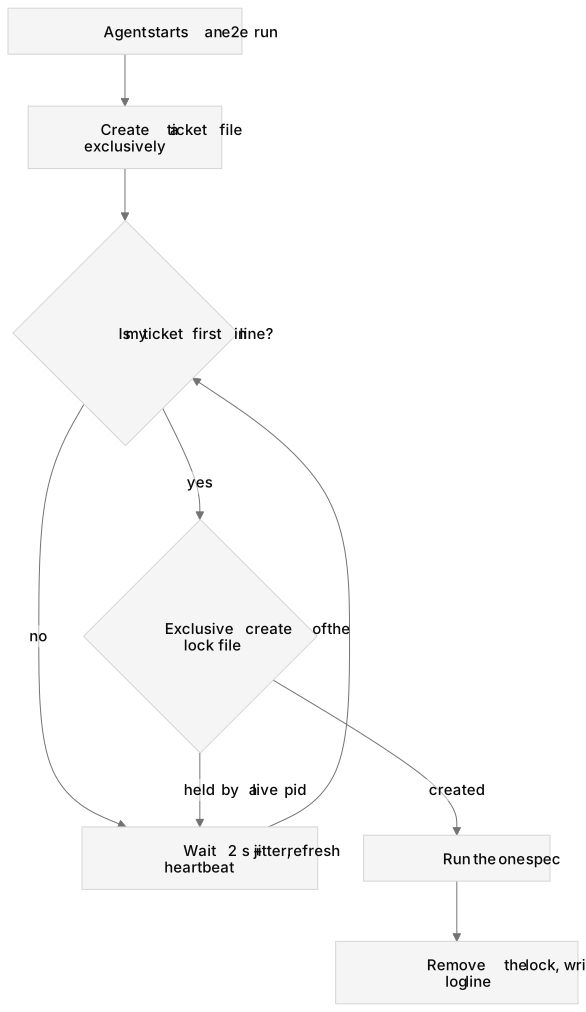
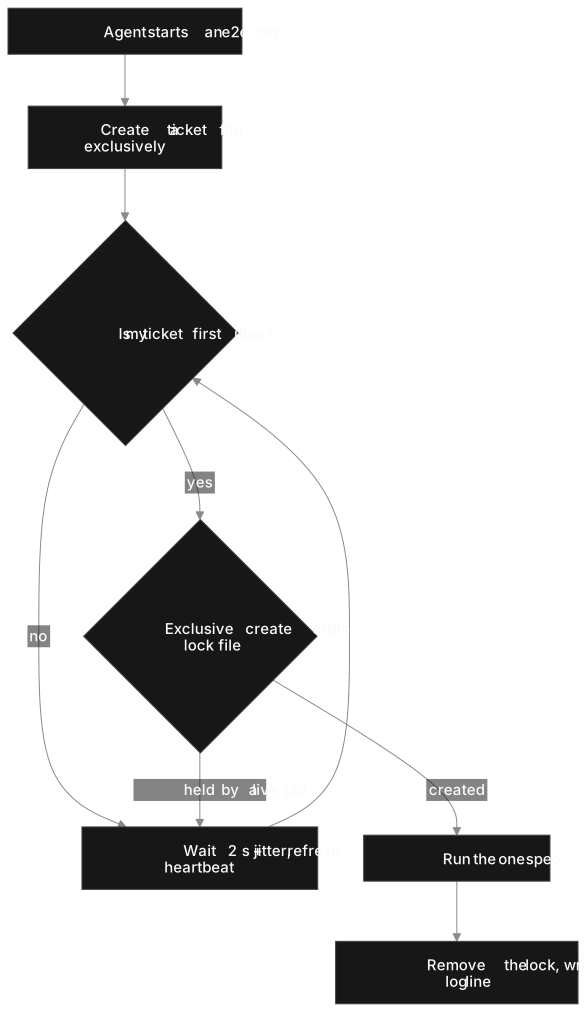
Diagram as text
flowchart TD
  start["Agent starts an e2e run"] --> join["Create a ticket file exclusively"]
  join --> head{"Is my ticket first in line?"}
  head -->|"no"| wait["Wait 2 s + jitter, refresh heartbeat"]
  wait --> head
  head -->|"yes"| lock{"Exclusive create of the lock file"}
  lock -->|"held by a live pid"| wait
  lock -->|"created"| run["Run the one spec"]
  run --> release["Remove the lock, write a log line"]
The design, in five rules:
- One file per waiter, created exclusively. Joining never reads and rewrites a shared list. The file name is the ticket's place:
<band>-<joined-at ms>-<sequence>-<pid>.json, so names sort in queue order. - Only the head may take the lock. A waiter that sees the lock free but is not first keeps waiting. A caller that did not queue at all is refused while anyone is waiting.
- Dead and stuck waiters leave. A ticket whose pid is gone is removed. So is one whose heartbeat is older than 60 seconds — a suspended waiter must not hold the machine hostage from the head of the line. If yours was removed, you rejoin at the back.
- Jitter the poll. Every 2 seconds plus up to 500 ms of random delay, so waiters do not wake in lockstep.
- Priority moves a ticket, never a holder. Only the release gate gets the front band, written into its ticket and the log. It still waits for the run that holds the lock.
A waiter gives up after 60 minutes and exits with code 3, the same code as a refusal. A --no-wait flag refuses at once instead — and while anyone is waiting, it is refused rather than allowed to jump the line.
Write down every transition
When that lock vanished for three minutes, nobody could explain it afterwards: nothing recorded who had touched the file. Now every acquire, refusal, stale takeover, queue join, leave, drop and release is one line in a log next to the lock, capped at 1 MB. "Who had the machine at 14:02?" is a grep, not an argument.
Tell the agents, in their instructions
A mechanism agents route around is not a mechanism. Our repository's CLAUDE.md — the file Claude Code reads as project memory — states it plainly: waiting is the default, and do not write your own polling loop. It also tells each agent to run only the one spec that covers its change, once. Fewer runs means a shorter queue.
If you run parallel agents, steal this checklist
| Polling loop per agent | Lock + FIFO queue | |
|---|---|---|
| Two runs on one display | ✓ possible | ✗ |
| A crashed run blocks everyone | ✓ (without a pid check) | ✗ |
| A waiter can starve | ✓ | ✗ |
| You can tell who had the machine | ✗ | ✓ |
- Put the lock where every worktree can see it (
/tmp, or the OS temp dir on Windows). - Create it exclusively; store the pid; treat a dead pid as free.
- Do not trust an absent lock — check for the real runner's binary.
- Queue with one exclusive file per waiter, heartbeats and jitter.
- Log every transition.
- Put the rule in the agents' instruction file.
Doing this in SuperDevSpace
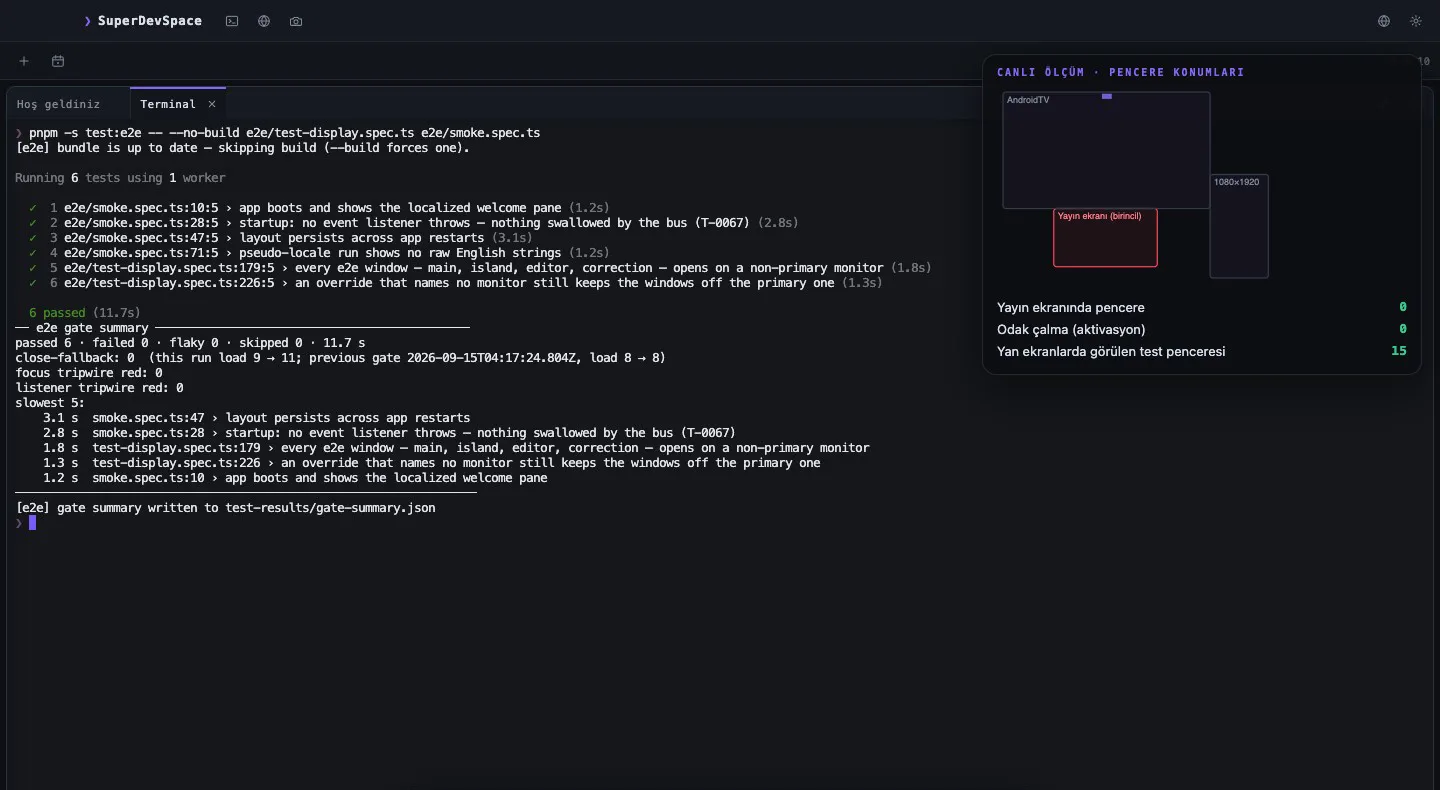
In SuperDevSpace, a manager splits a sprint into tasks and every worker runs in its own git worktree and its own terminal, so parallel work on one repository does not collide on files. The lock and queue above are not a product feature — they are scripts in our own repository, written by the agents that build SuperDevSpace, for the one resource worktrees cannot split. If your agents share a test display, a browser or a port, you will want the same thing; the pattern above is small enough to copy. Claude Code is fully supported; other CLIs such as Codex and Gemini CLI are experimental.
For the worktree side of the story, read Running parallel coding agents in git worktrees; for how the app is set up, see the docs.